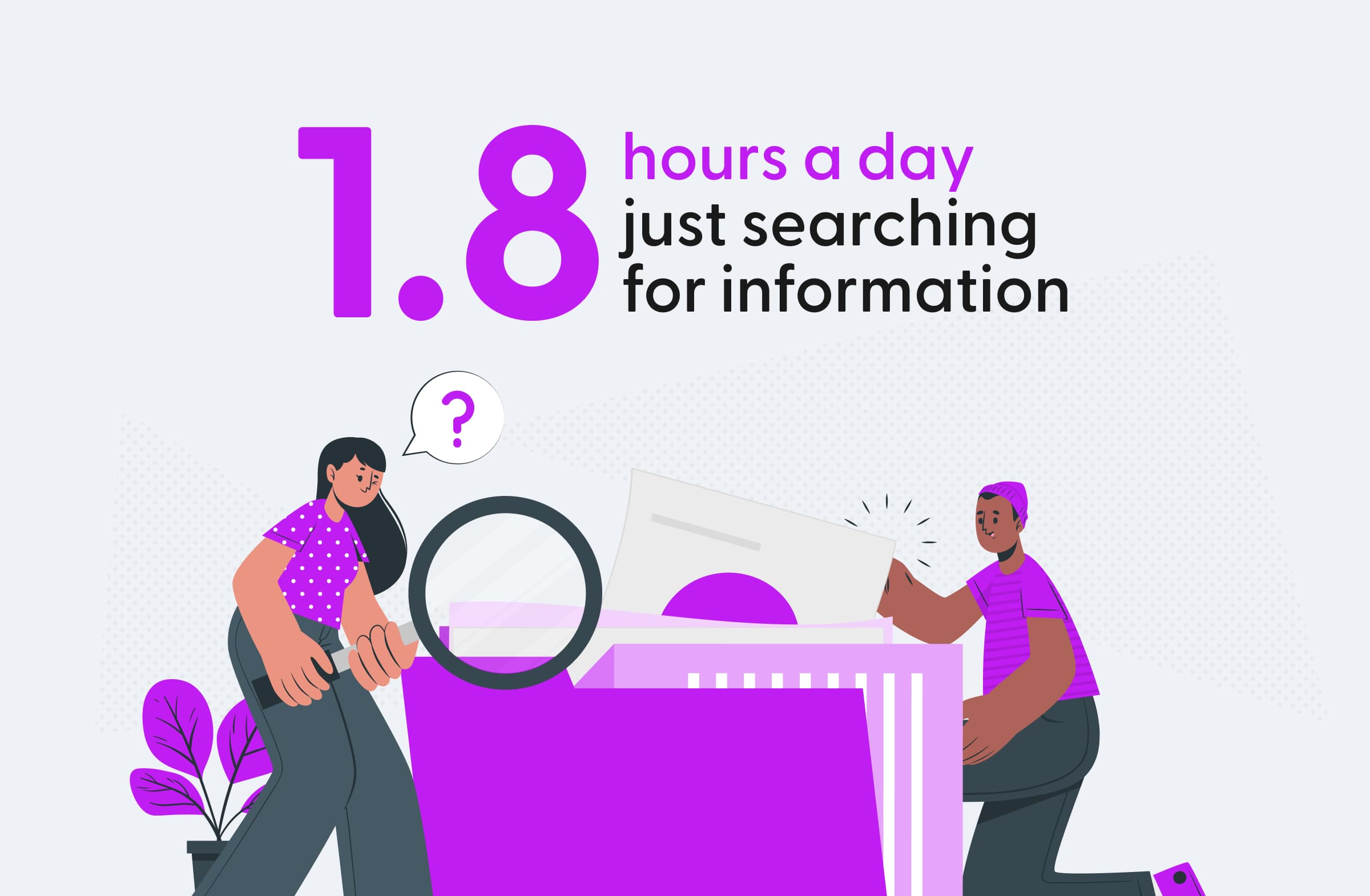
Information sprawl is one of the biggest barriers to productivity in any organization. Files, conversations, decisions, and insights are scattered across tools - Google Drive, Slack, email threads, CRMs, and more.
Too often, finding a single answer means asking around, digging through stale wikis, or toggling between countless tabs. Time lost searching is time not spent creating value.
Modern enterprise search changes that. It brings everything together in one place - instantly surfacing the right answer, wherever it lives.
What is Enterprise Search?
At its core, enterprise search is a unified search layer that connects to all your internal tools and data sources.
Unlike public search engines, which index websites, enterprise search works with your private, often sensitive information, and respects the same permissions you already have in place.
Whether someone is looking for a product spec, an old customer email, or a slide buried deep in Drive, they should find it in seconds.
Why Organizations Need It Now
As companies adopt more SaaS tools, knowledge gets scattered. Remote and hybrid work make it even harder to “just ask someone.”
Without a centralized way to find answers, people waste time looking - or worse, they give up and duplicate work.
The right enterprise search solves this by:
- Breaking down silos: Ties together chat, docs, CRM data, tickets, and more.
- Understanding real questions: Uses AI to interpret natural language, not just keywords.
- Respecting permissions: Surfaces only what each user is allowed to see.
- Improving over time: Learns which results help people, getting smarter with use.
What You Need to Make It Work
A few essentials help ensure a smooth rollout:
1. Map Your Data Sources
Start by identifying where knowledge lives: shared drives, wikis, chat apps, CRMs, ticketing systems. Note formats, update frequency, and who controls access — this guides your integration plan.
2. Assess Infrastructure
Enterprise search needs resources to index and process content:
- Capacity: CPU, memory, and storage for your data volume.
- Network: Sufficient bandwidth for indexing and queries.
- Deployment: Cloud, on-premises, or hybrid — choose what aligns with your IT strategy.
Cloud-based options make scaling easy for smaller teams; larger orgs may need dedicated capacity.
3. Align Stakeholders Early
Bring IT, data owners, security teams, and end users to the table. Early alignment clarifies requirements, uncovers roadblocks, and builds support for adoption.
How To Evaluate Enterprise Search Software
When selecting an enterprise search solution, consider these key evaluation criteria:
Search capabilities assessment
The core functionality of any enterprise search tool is its ability to find relevant information. You'll need to evaluate:
- Query types: Support for keywords, natural language, and Boolean operators
- Relevance ranking: How well results match user intent
- Filtering options: Ways to narrow results by date, type, source, etc.
- Language support: Ability to handle content in multiple languages
Test these capabilities with real-world queries that reflect how users will interact with the system.
User experience considerations
Even the most powerful search engine fails if people find it difficult to use:
- Interface design: Clean, intuitive layouts that work across devices
- Response time: Quick results delivery (under 1 second is ideal)
- Result presentation: Clear display of titles, snippets, and sources
- Accessibility: Compliance with WCAG guidelines for all users
Involve potential users in testing to ensure the interface meets their needs and expectations.
AI and machine learning features
Modern enterprise search leverages AI to improve results:
- Semantic search: Understanding meaning beyond keywords
- Query expansion: Adding related terms to broaden result coverage
- Personalization: Tailoring results based on user behavior
- Entity recognition: Identifying people, places, and concepts in content
These capabilities help bridge the gap between what users ask and what they actually need.
Deployment and maintenance requirements
Consider the practical aspects of implementing and supporting the system:
- Installation complexity: Time and expertise needed for setup
- Ongoing maintenance: Updates, monitoring, and troubleshooting
- Scalability: Ability to grow with data volume and user base
- Vendor support: Available assistance for issues and questions
These factors affect the total cost of ownership beyond the initial purchase price.
Essential Features For Enterprise Search Tools
Effective enterprise search solutions share several key features:
Advanced search capabilities
Modern search tools go beyond simple keyword matching:
- Natural language processing: Understanding conversational queries
- Semantic search: Finding content based on meaning, not just exact terms
- Faceted search: Filtering results by multiple dimensions
- Autocomplete and suggestions: Helping users formulate effective queries
These capabilities help users find what they need even when they're not sure what to ask for.
Content processing and enrichment
Behind the scenes, enterprise search tools prepare content for retrieval:
- Text extraction: Converting documents to searchable text
- Entity recognition: Identifying people, places, dates, and concepts
- Metadata generation: Adding descriptive tags automatically
- Content classification: Organizing information by topic or category
This processing makes content more discoverable and contextually relevant.
Security and access controls
Enterprise search must respect existing permission structures:
- Permission sync: Reflecting source system access rights
- Role-based filtering: Showing only authorized content
- Security trimming: Removing restricted items from results
- Audit trails: Tracking who searched for what and when
These features maintain data governance while making information accessible.
Analytics and reporting
Understanding search patterns helps improve the system over time:
- Query analytics: Tracking what users are searching for
- Zero-result queries: Identifying searches that return nothing
- User behavior: Monitoring which results get clicked
- Performance metrics: Measuring response times and system load
These insights guide content creation and system optimization.
Best Practices For Deployment
Successful enterprise search implementation follows these proven approaches:
Planning and preparation
Successful enterprise search starts with clear goals and a solid plan. Define what success looks like, develop a data strategy for what to index and how often, and create a governance model outlining roles and responsibilities. Setting realistic timelines for testing and refinement helps avoid delays and ensures a smooth launch.
Phased implementation
Rolling out enterprise search in phases reduces risk and builds momentum. Start with a pilot group and a limited set of data sources, then gather feedback to fine-tune the setup. Gradually expand to more content and users, using real usage patterns to guide improvements and demonstrate early value.
Driving user adoption
Even the best technology needs people to use it to deliver value. Support adoption with clear training materials, an internal champions program, and easy ways for users to share feedback. Highlight success stories that show how search saves time and improves results, and integrate it into daily workflows to make it part of how work gets done.
Where Teams See The Biggest Impact
Knowledge management
Teams rely on enterprise search to preserve and share institutional knowledge. Instead of wasting time hunting through scattered folders or outdated wikis, they can instantly find standard operating procedures, access policy documents, locate subject matter experts, and retain critical insights from departing employees. This reduces duplicated work and ensures consistent practices across the organization.
Employee onboarding and training
New hires benefit enormously from self-service access to information. With enterprise search, they can easily find company policies and procedures, learn about products and services, access training materials, and understand team structures and responsibilities. This speeds up onboarding, boosts early productivity, and saves managers from answering the same basic questions repeatedly.
Customer support and service
Support teams use enterprise search to help customers more efficiently. They can quickly locate product documentation, access troubleshooting guides, review similar past cases, and find the right internal experts to resolve complex issues. This faster access to information reduces resolution times and leads to higher customer satisfaction.
Sales and revenue operations
Sales teams use enterprise search to gain valuable deal intelligence, whether they’re preparing for an upcoming customer meeting, researching competitive insights, or quickly locating pricing and proposal templates. They can also review successful sales strategies and past wins to replicate what works. By putting critical information at their fingertips, enterprise search helps sales teams close deals faster and boost win rates.
How ollo Enhances Enterprise Search
At ollo, we've built our enterprise search solution to address common challenges:
Context-aware retrieval
Our system maintains the full context of information, ensuring results include necessary background. This prevents the fragmented answers that plague many search tools.
AI-powered understanding
We use advanced language models to interpret queries and match them with relevant content, even when the terminology differs between question and answer.
Custom terminology support
Our platform recognizes organization-specific terms, acronyms, and naming conventions that generic systems might miss.
Citation and evidence
Every result includes links to source material, so users can verify information and explore related content.
Implementing Enterprise Search With ollo
Our approach to enterprise search implementation focuses on rapid time-to-value:
- Connect your existing tools (60+ integrations available)
- Let our system index your content (typically 24-48 hours)
- Configure access controls based on your security requirements
- Deploy the search interface where your teams already work
Most organizations see meaningful results within the first week, with continuous improvement as the system learns from usage patterns.
Book a demo and see how ollo can help your people find what they need, and get back to what matters.