How to create an account
Shows the user exactly how to set up their account.
This guide will walk you through creating your ollo account and getting access to the platform.
Estimated time: 2-3 minutes
What you'll learn
By the end of this guide you'll know how to:
Create your ollo account
Sign in for the first time
Access the platform
Before you start
Before creating your account, make sure you have:
Your work email address
An invitation, if required by your organisation
Access to your email inbox to verify your account
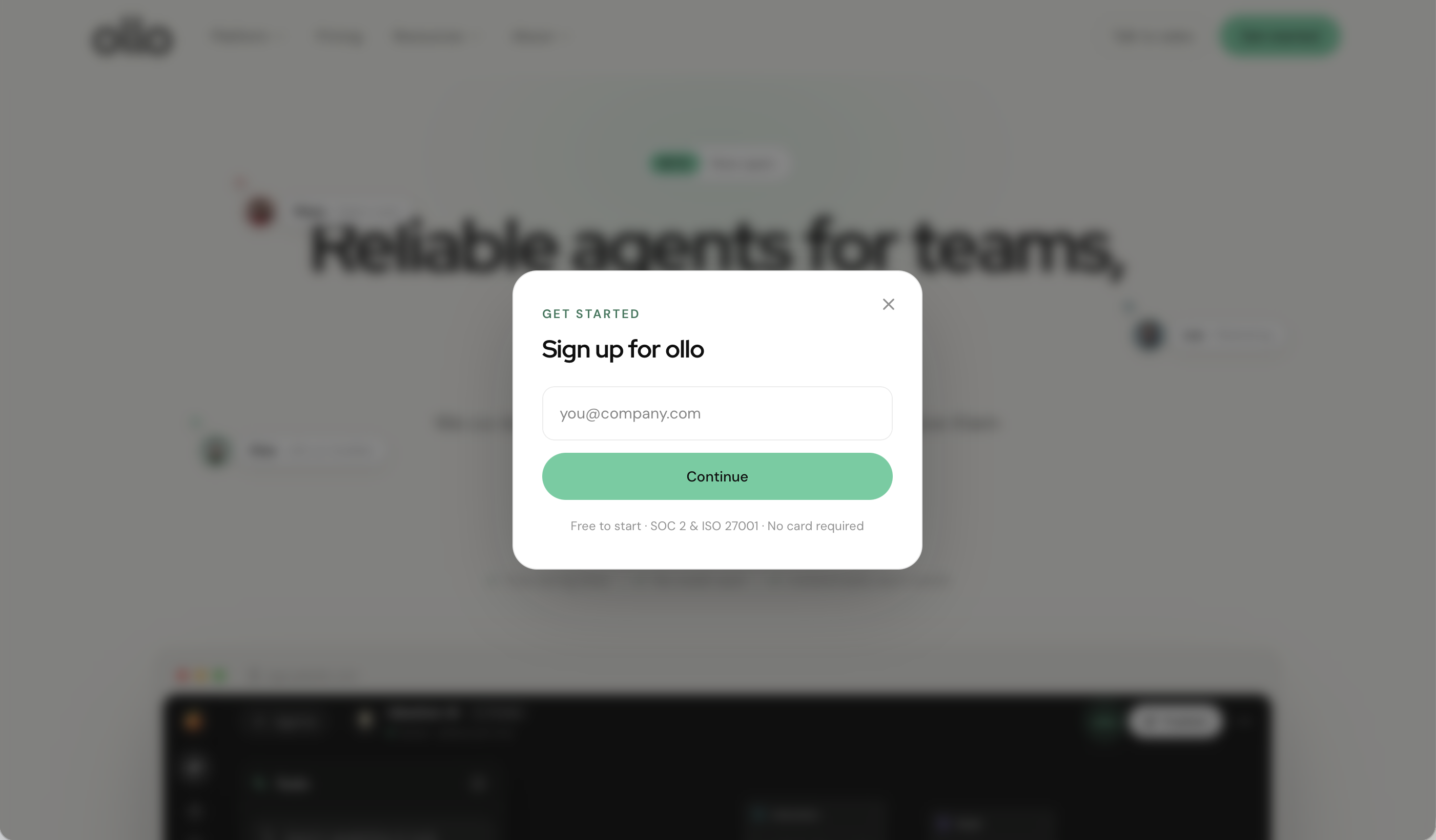
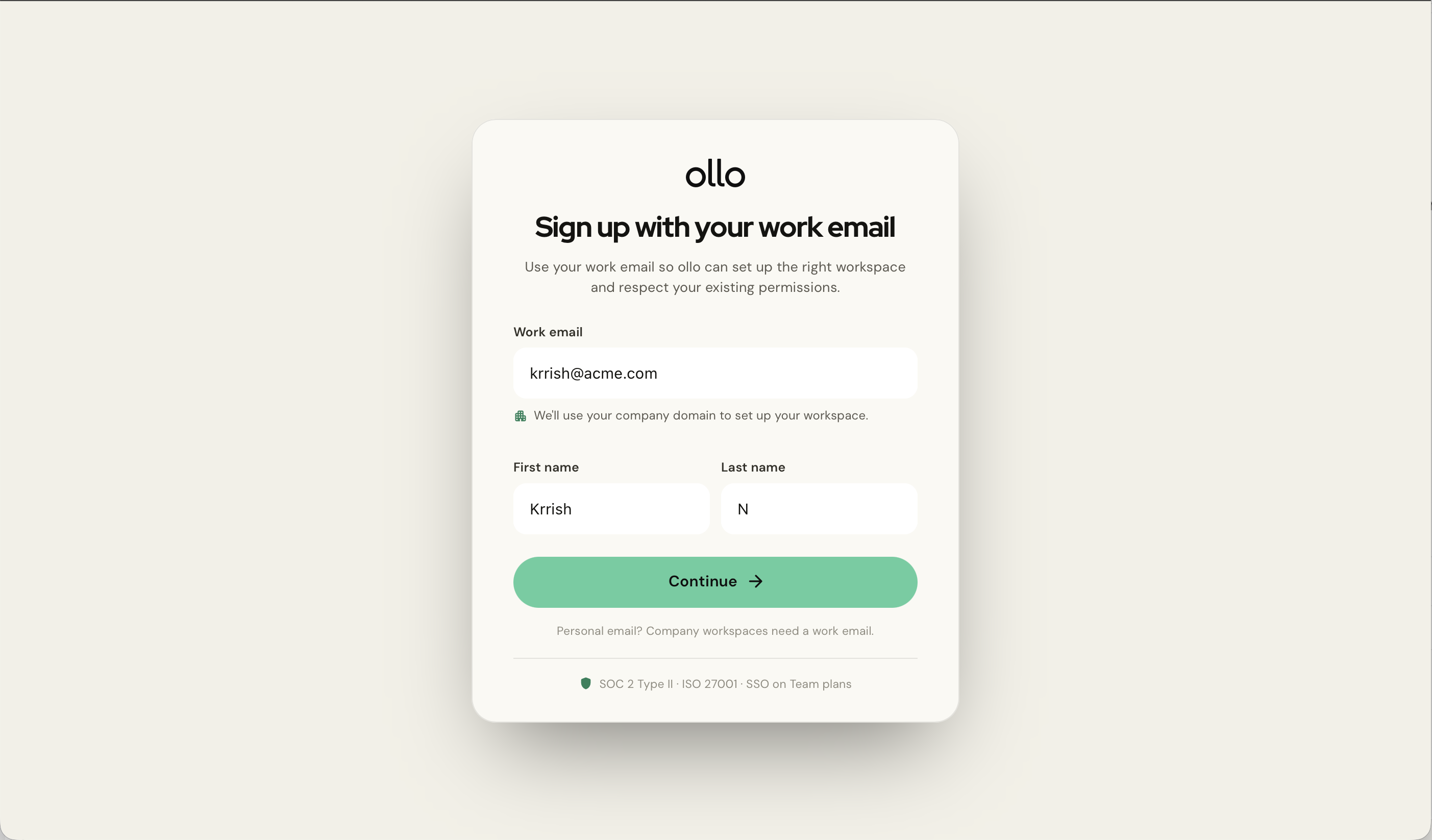
Step 1: Visit the sign-up page and enter your details
Complete the registration form by entering:
Name
Work email address
Password
Once complete, select Create account.
Step 2: Verify your email
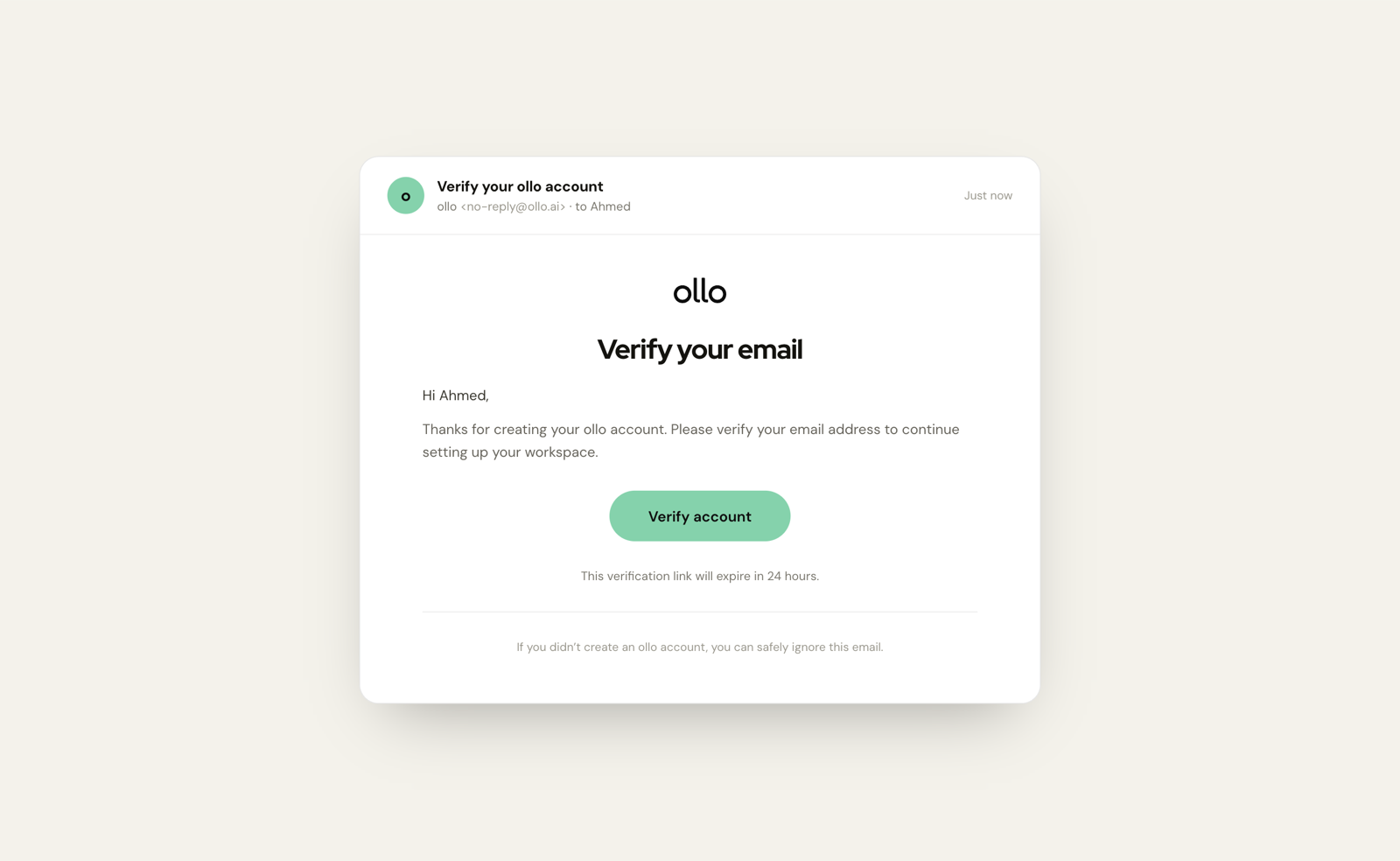
You'll receive a verification email shortly after registering. Open the email and click Verify account.
If you don't receive the email:
Check your spam folder.
Confirm you've entered the correct email address.
Request another verification email.
Step 3: Sign in
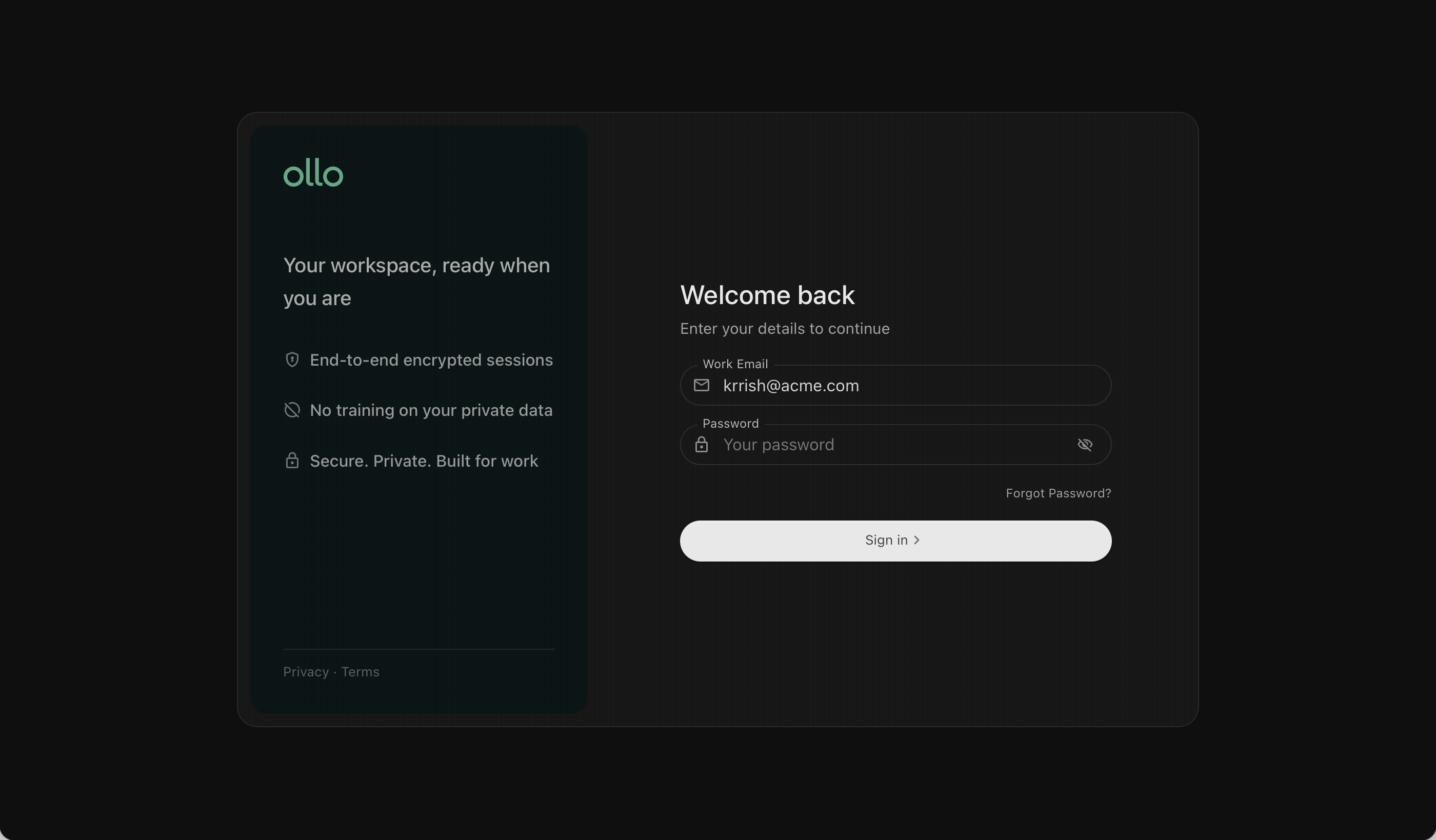
Once your email has been verified:
Return to the login page.
Enter your email and password.
Select Sign in.
You'll now be taken to the ollo home page.
What happens next?
After signing in, you'll be able to:
Build your first AI agent
Explore Search
Connect your knowledge, if applicable
Access the Resource Hub
Troubleshooting
I didn't receive a verification email
Check your spam folder or request another verification email.
I forgot my password
Select Forgot password? on the login page and follow the reset instructions.
I can't create an account
If your organisation requires invitations or SSO, contact your administrator.
Next steps
Continue with:
Search overview
Ask your first question
Agent Builder overview